
Bizmail service is a great modern alternative to RoundCube and Horde Webmail.
This Knowledge Base article will guide you through importing your contacts into Bizmail.
How To Import Contacts In BizMail
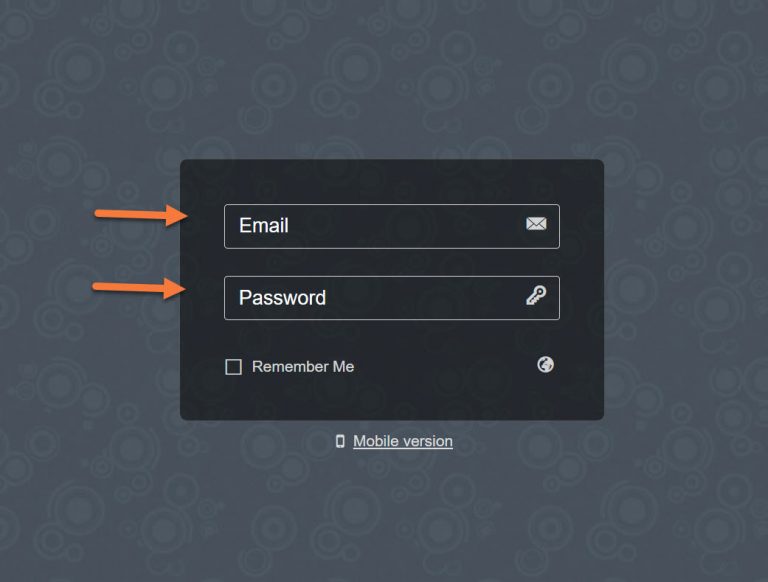
Step 1: Login to your email account using your Bizmail URL.
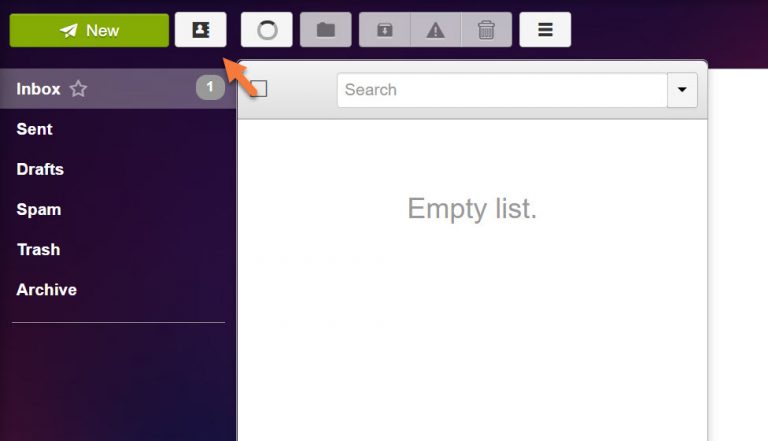
Step 2: Click the Contacts Icon in your mail next to the New Mail button.
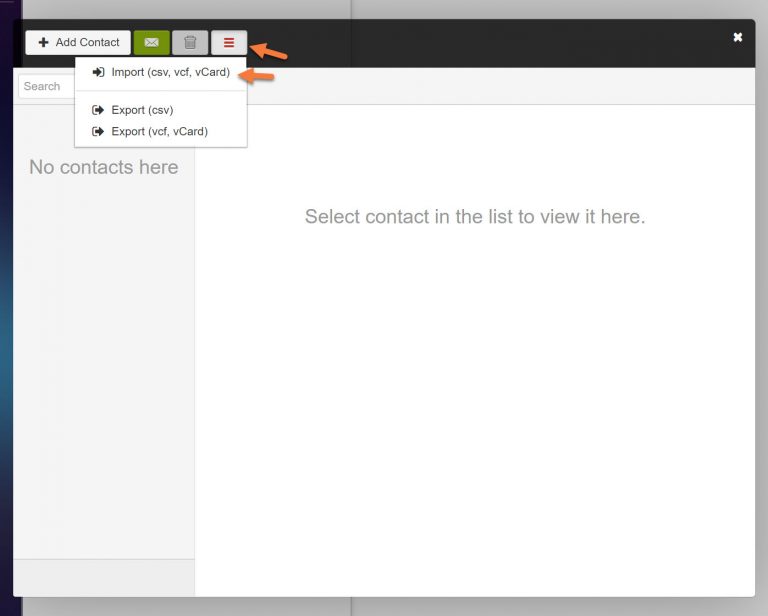
Step 3: In the modal that appears, click the hamburger menu to open the import and export options, then click “Import”.
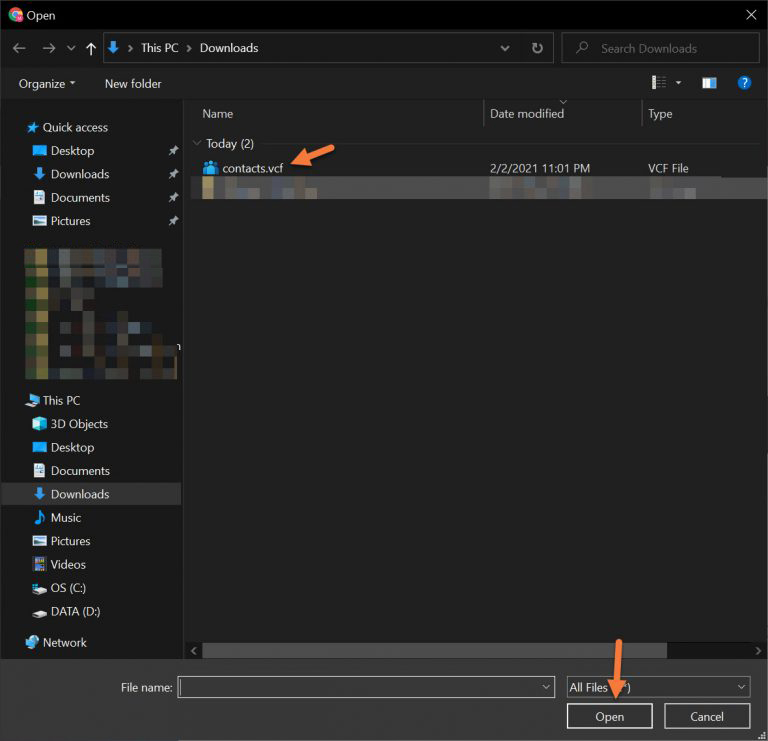
Step 4: A window will appear allowing you to choose the .vcf, .csv, or vCard file from your computer.
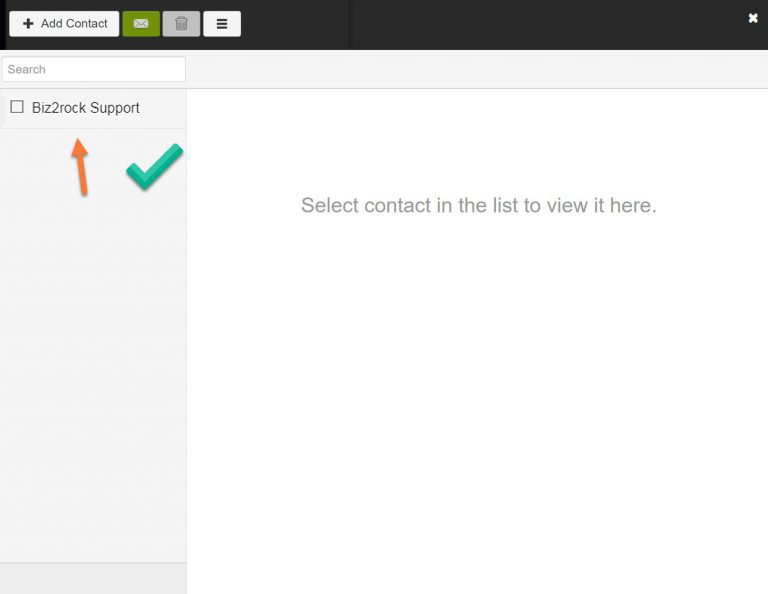
Step 5: Your contacts will be imported and you will see them in the contacts list:
And that’s it! Now you have imported your contacts into Bizmail.